Before starting
From your platform, you can share events on your calendar in the blink of an eye! You can post a calendar visible to the public, or just members of your organization, to keep them updated on upcoming events.
Where to manage your calendar
You can manage your agenda in the "Calendar" feature by going to Website > Specific Pages > Calendar.
Add events to your calendar
You can create a new event that will appear on your calendar by going to the "Calendar" feature and clicking on the button in the top right,  .
.
- Fill in the requested information (Title, Event Colors, Start Date, and End Date)
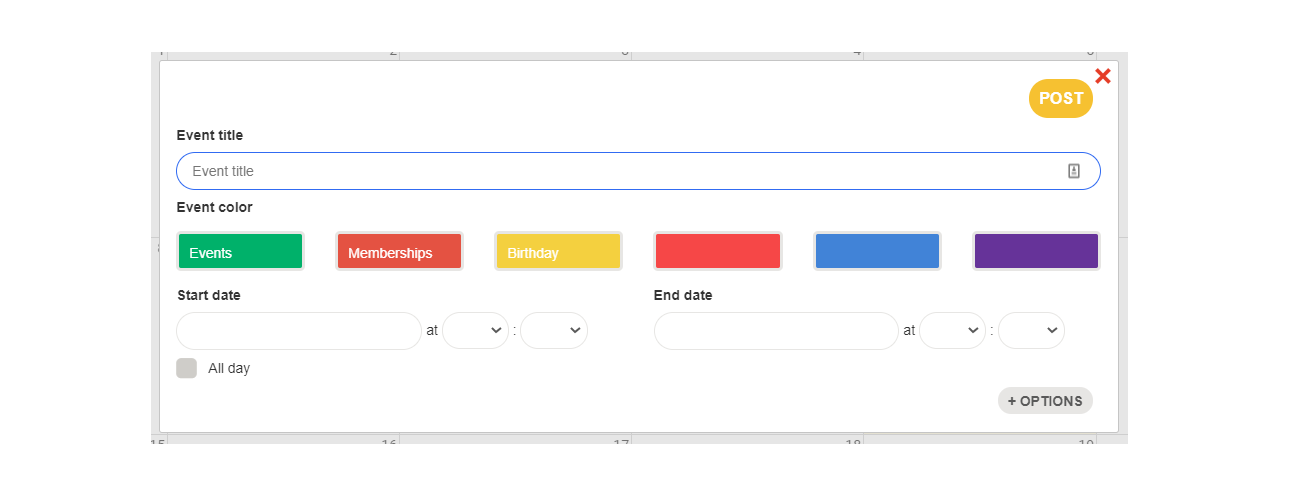
- To add details, click on the button
 . You can add the address of your event, a description, and set the visibility of the event (visible to the public or only to members).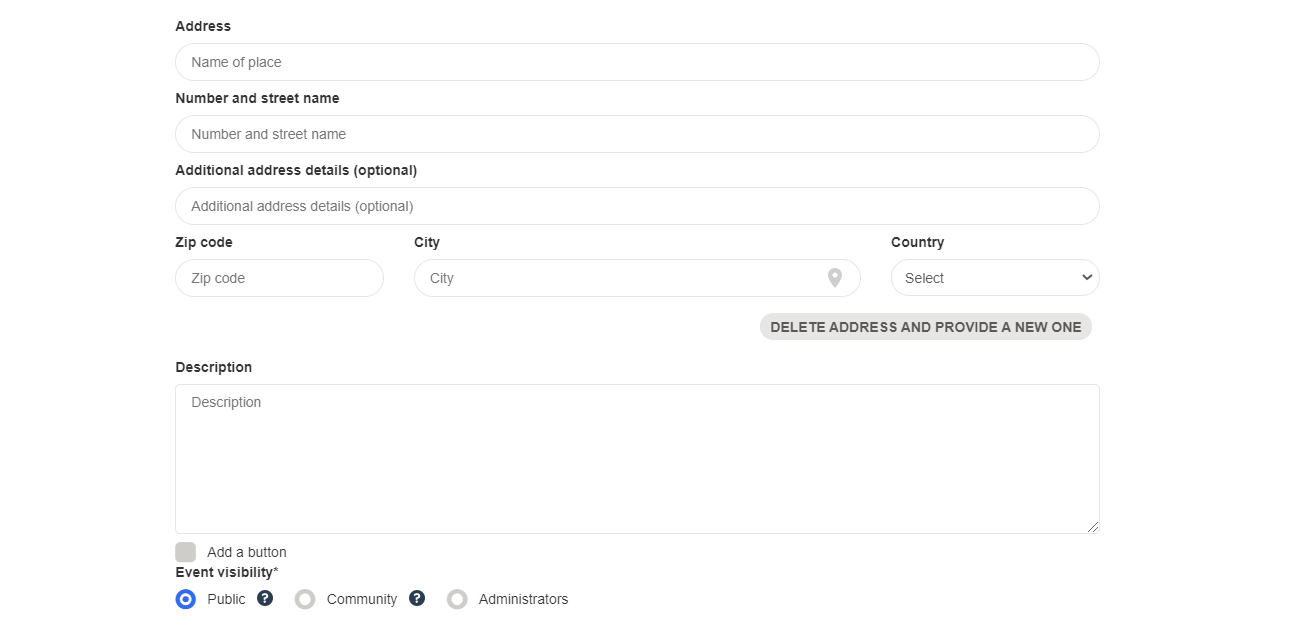
- Then click on
 to see the event appear in your calendar.
Delete events from my calendar
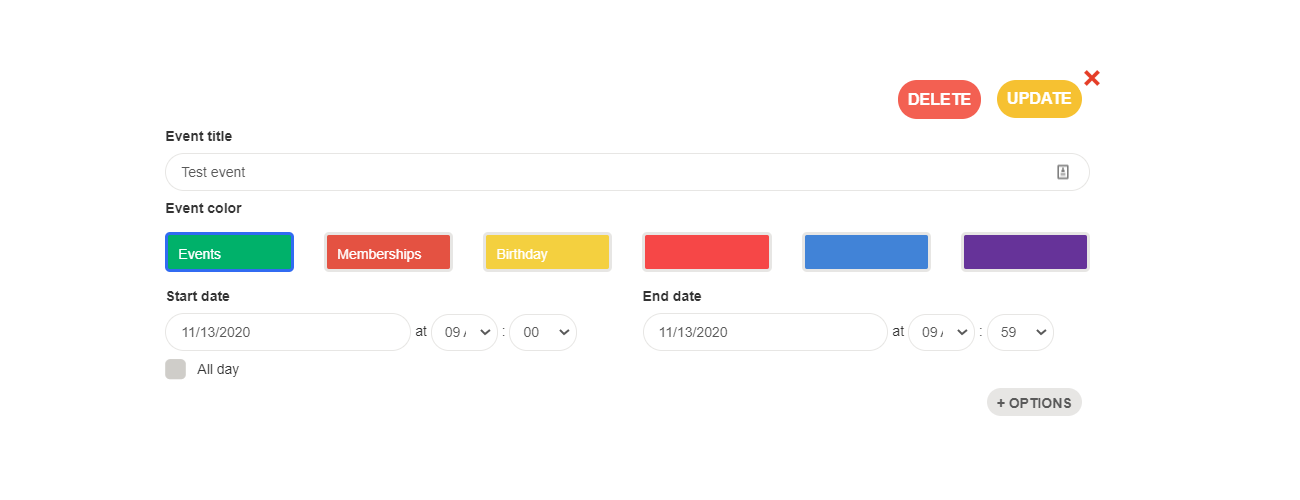
To delete an event from your agenda, simply go to the "Calendar" feature in the "Website" app of your administrative platform, and then click on the event concerned. You can then delete it by clicking on the event and selecting  .
.
Comments
0 comments
Article is closed for comments.