Before starting
From your administrative space, you can create photo galleries and add them to your website. Photo albums are an excellent way to immortalize your organization's important moments. This article explains how to create and manage your photo album.
Where to edit a photo gallery?
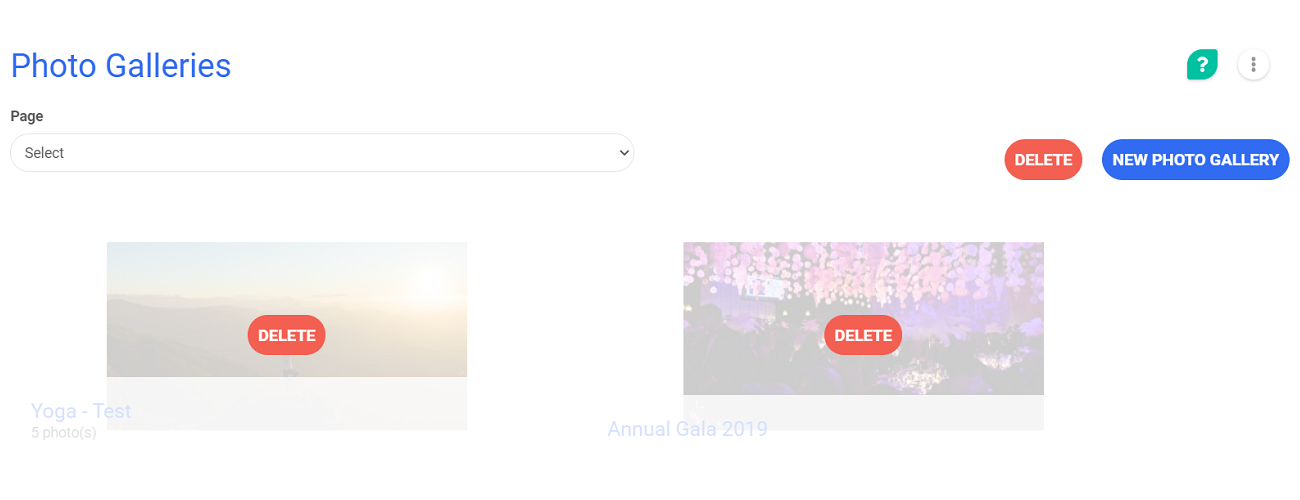
From your administrative space, go to Website > Specific Pages > Photo Galleries
There you are, you can create your first photo gallery!
Create a photo gallery
 in the top right corner of the page.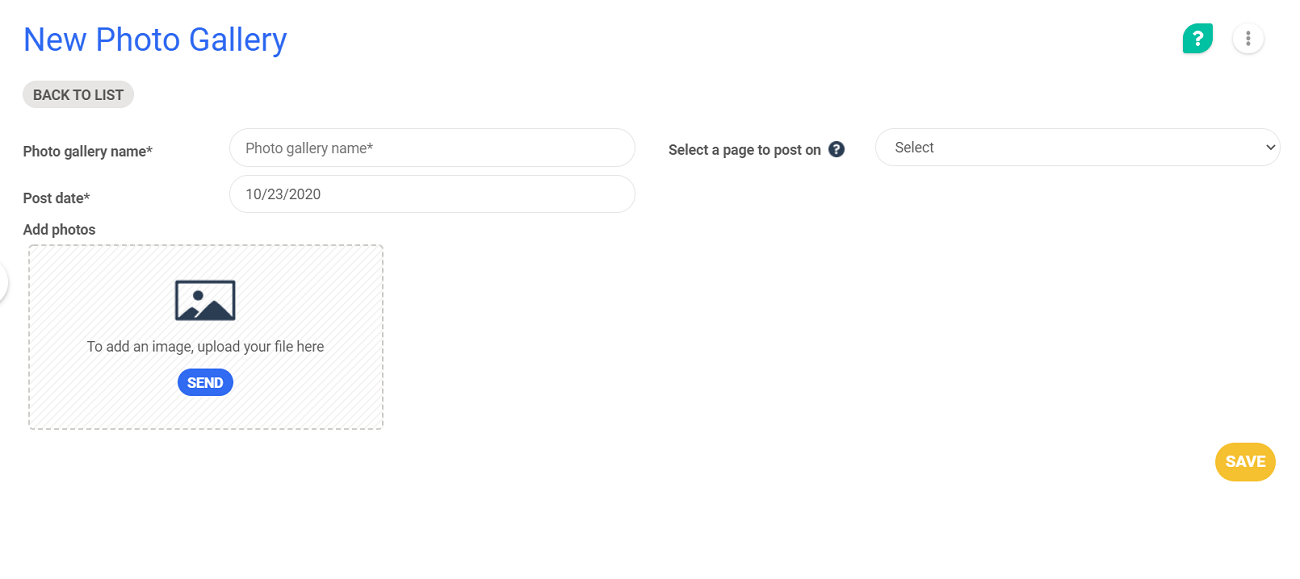
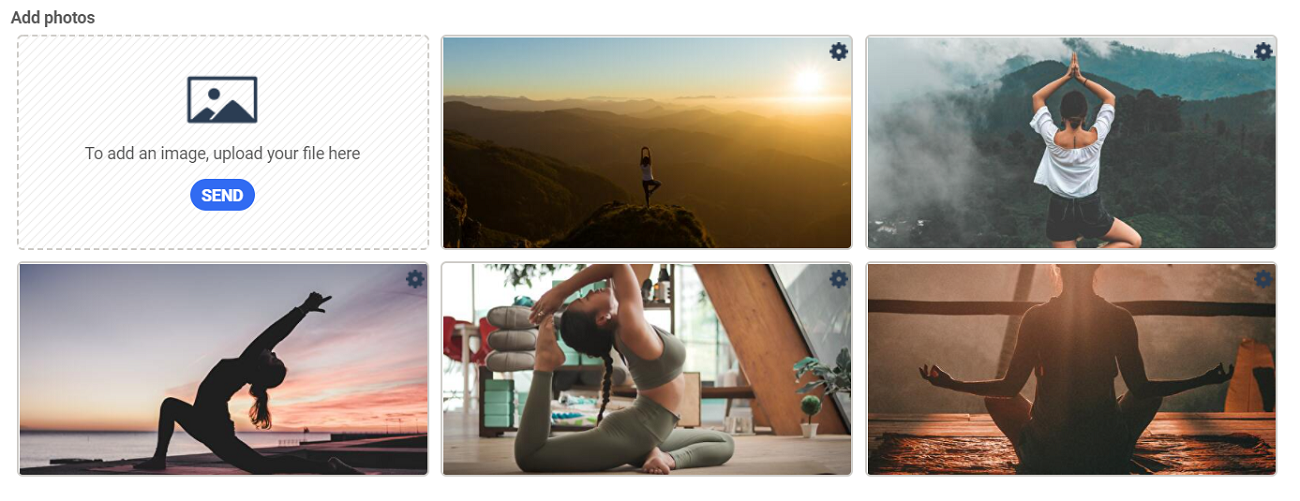
Modify the order of photos
To modify the order of photos, drag your mouse over the photo that you want to move. An icon appears in the top left corner of the photo. Click and drag the photo where you want it.

Delete a photo
To delete a photo, you will follow the same steps. Drag your mouse over the photo to delete it from your gallery. A  button will appear. Click on it to delete the photo.
How to modify or delete an existing gallery?
Once the album is created you can modify it at any time: by dragging your mouse over the album in question, all you will have to do is click on the Manage button and you can add or delete photos, modify the access settings, and move the photos as indicated above. 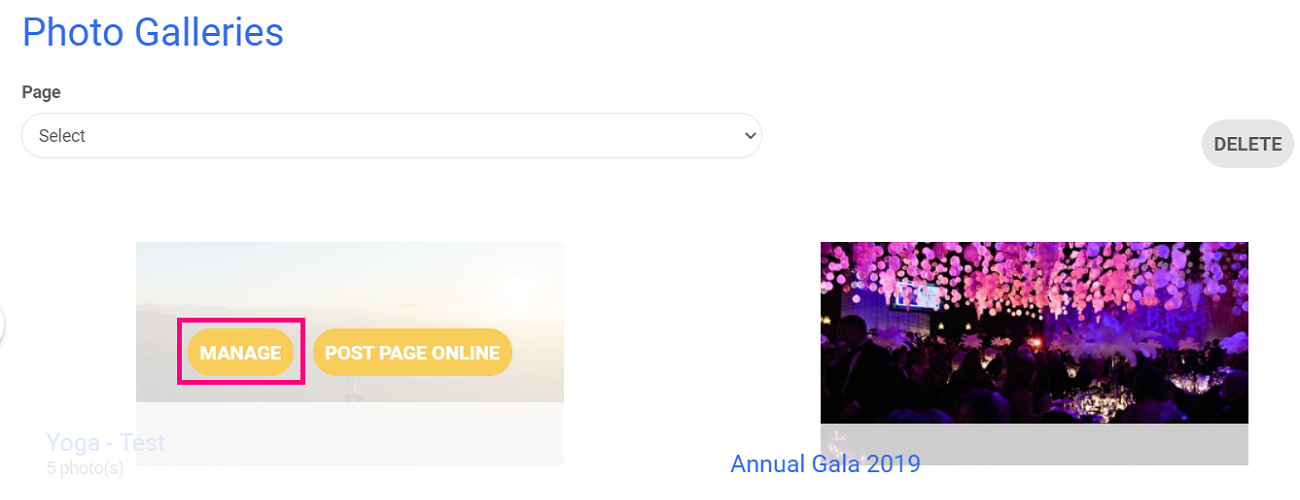
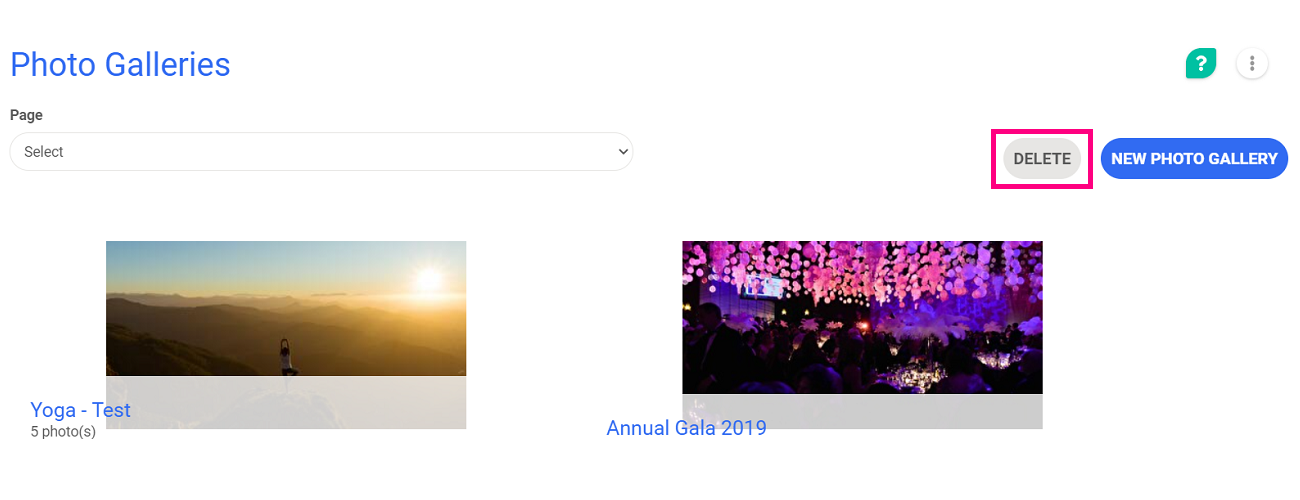
This action allows you to select and then delete the galleries of your choice. It is irreversible because it is not possible to archive or restore galleries.
Comments
0 comments
Please sign in to leave a comment.